
StepStation tracks the miles you walk on a walking pad or treadmill desk, turns them into daily and weekly goals and streaks, and lets you compete with friends in squads. It runs in any modern browser on desktop and phone.
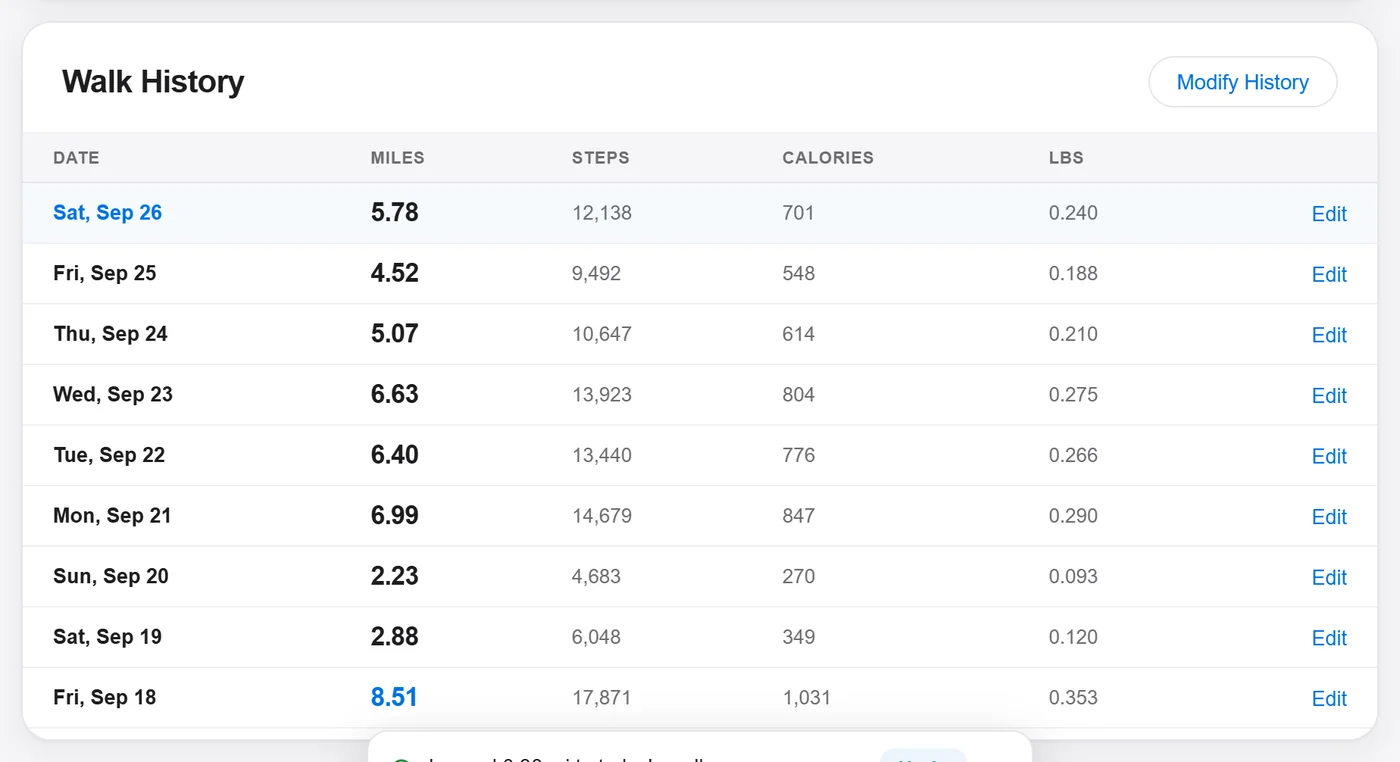
The app has four tabs: Station (today's walking), Stats (history and records), Social (squads) and Settings.
Setup asks about your walking setup (walking pad, Bluetooth, watch) and your goals, then sets sensible defaults. The guided tour highlights each part of every tab with a short explanation.
Settings → Guided tour or Setup (top right of Settings). You can run either again anytime.
Switch between miles/lbs/mph and km/kg/km/h. Everything converts instantly, including history, treadmill controls, calories and benchmarks. Your data is stored once; only the display changes.
Settings → the Imperial | Metric switch next to the page title.
Station tab
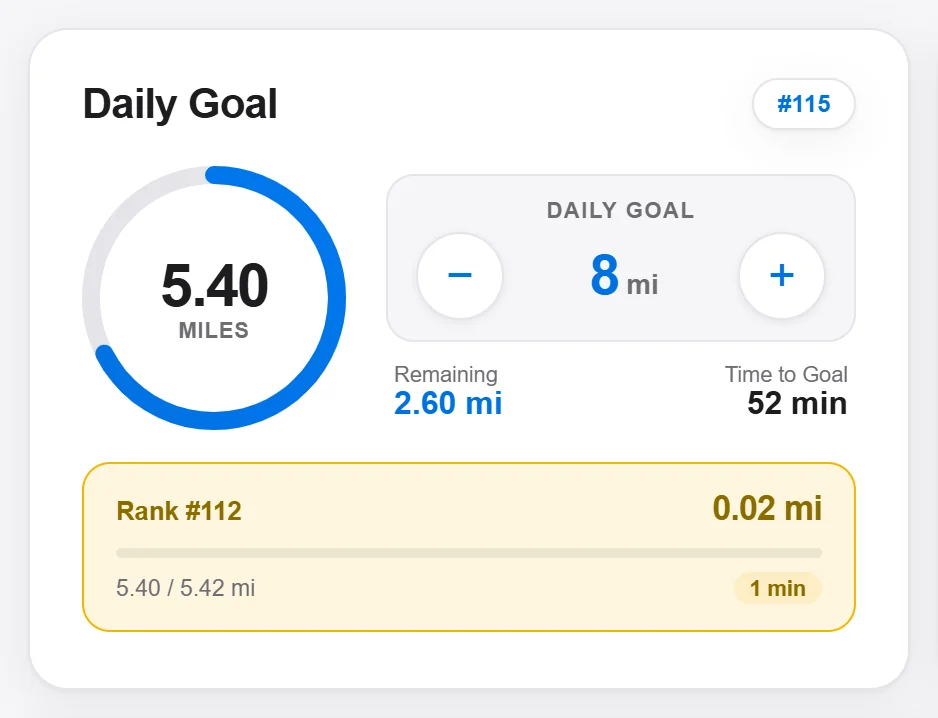

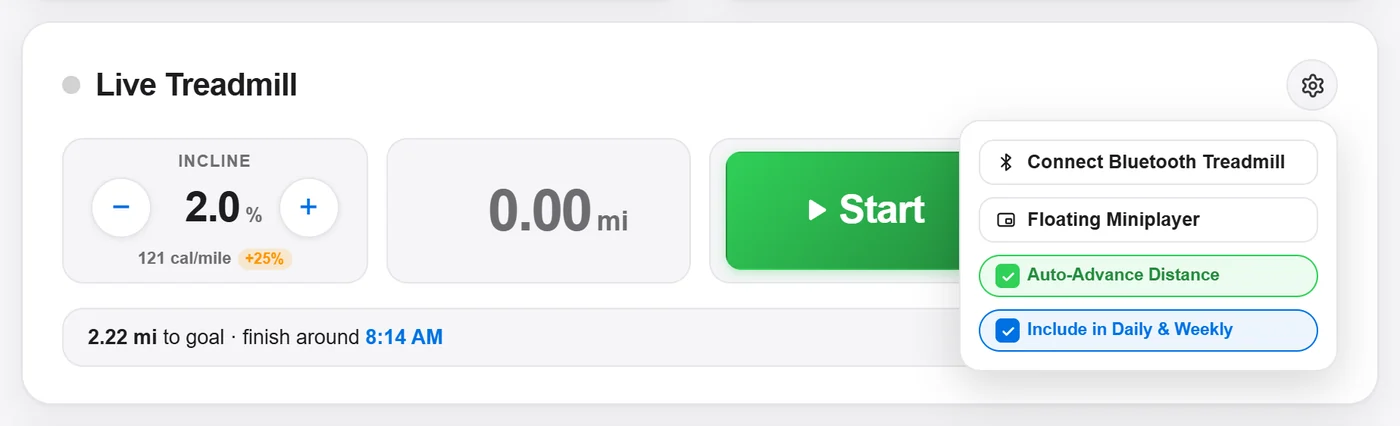
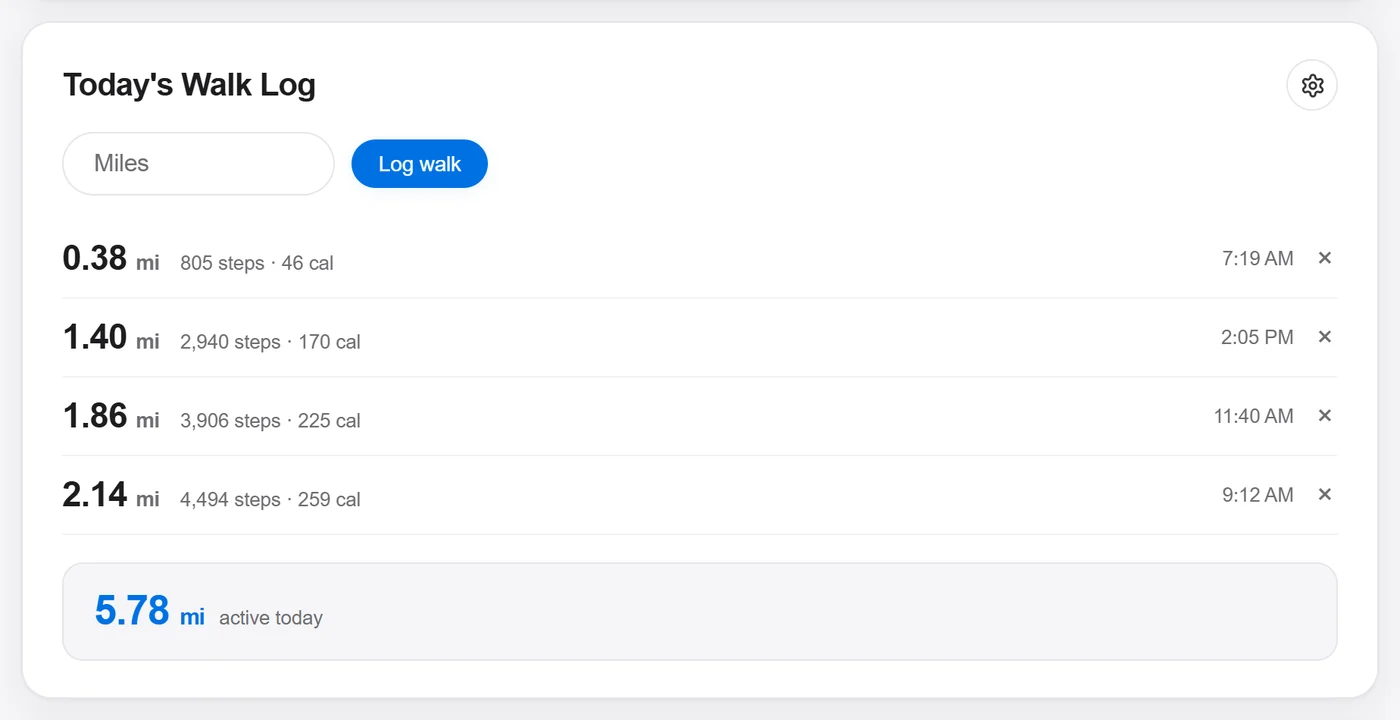
Your day: goals, the live treadmill and your walk log. The page heading reads "Today".
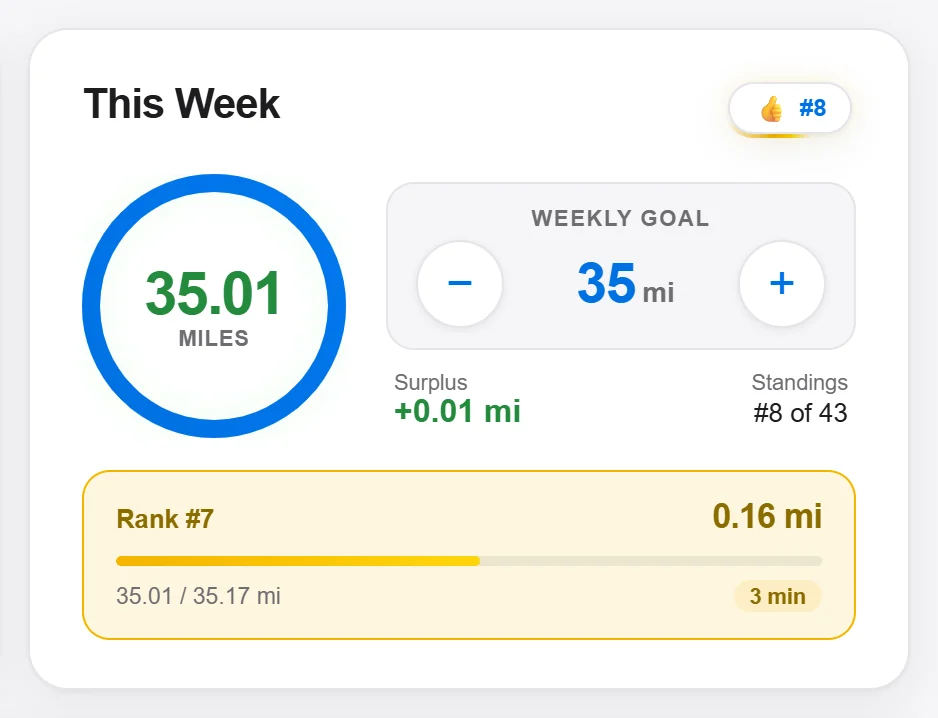
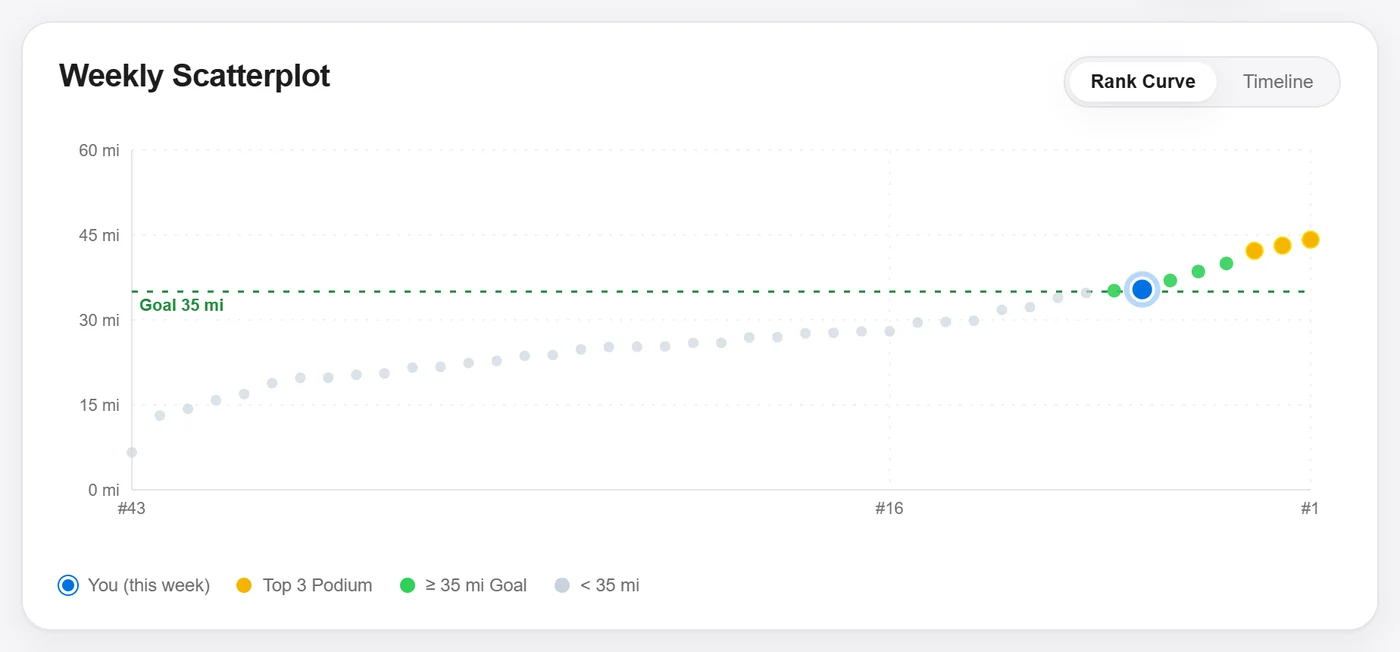
Tracks Monday–Sunday distance against your weekly goal, with how much is left and your week's rank against your own past weeks. The week resets Monday at midnight, local time.
A small always-on-top window with your live miles, today and week progress, Pause / Log it / reset, and pace and incline steppers. It stays above calls, code and spreadsheets.
Shrink it to a compact pill that shows just miles and pace; Expand brings it back.

Uses your current theme. Needs Chrome or Edge on desktop; it's not available on phones.
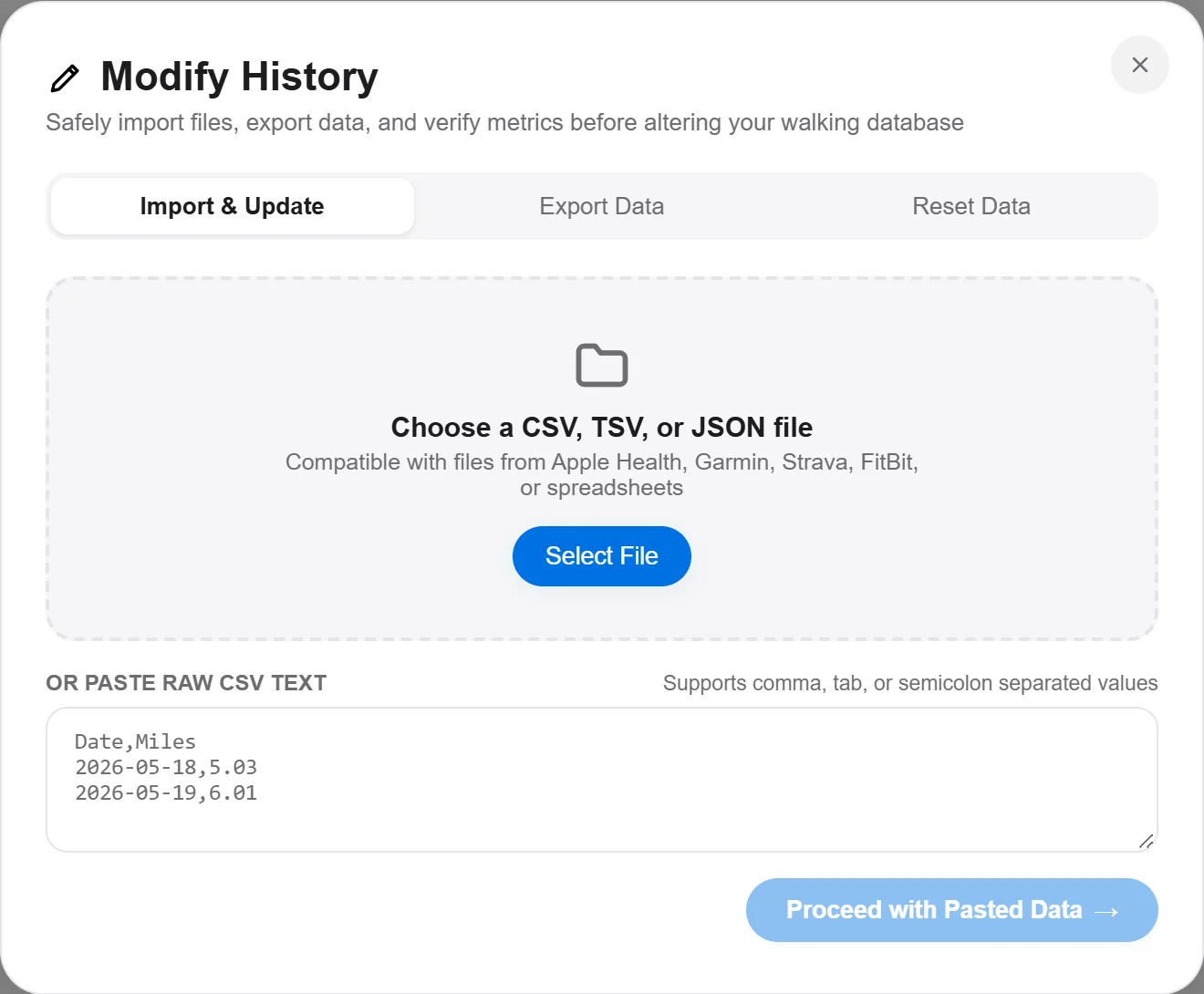
Import: upload or paste .csv, .tsv, .txt or .json. Works with exports from Apple Health, Garmin, Strava, Fitbit and spreadsheets (a date column plus a distance column). Choose merge (add to your data) or replace (overwrite it).
ExportPRO: download all your walks as CSV (in your current units) or JSON.
Reset: erases all history. You must type DELETE to confirm. It can't be undone.

One square per day, one column per week, shaded by miles: grey (none), light and mid green (up to 3 and 6 mi), dark green (up to 10 mi), gold (over 10 mi). Today has a blue outline. Hover a day (or tap on a phone) to see its distance.
Desktop shows 365 days; phones show a half-year view. Open StepStation on a computer for the full year.
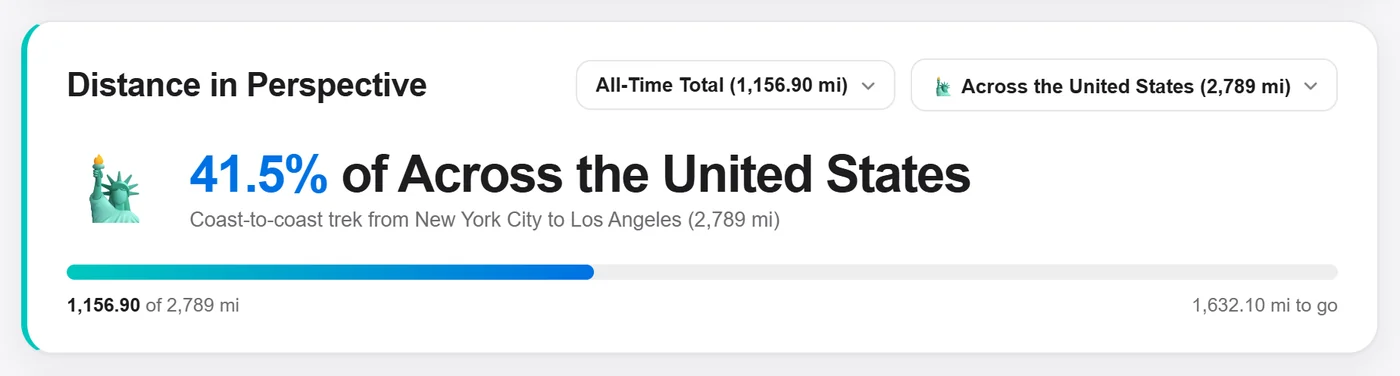
Compares your miles to real places and journeys: the Grand Canyon, the Camino de Santiago, the Appalachian Trail, Route 66, coast to coast across the US, around the Moon and beyond. Pick the time range (all-time, this year, month, week, today, best week, best day) and the benchmark.
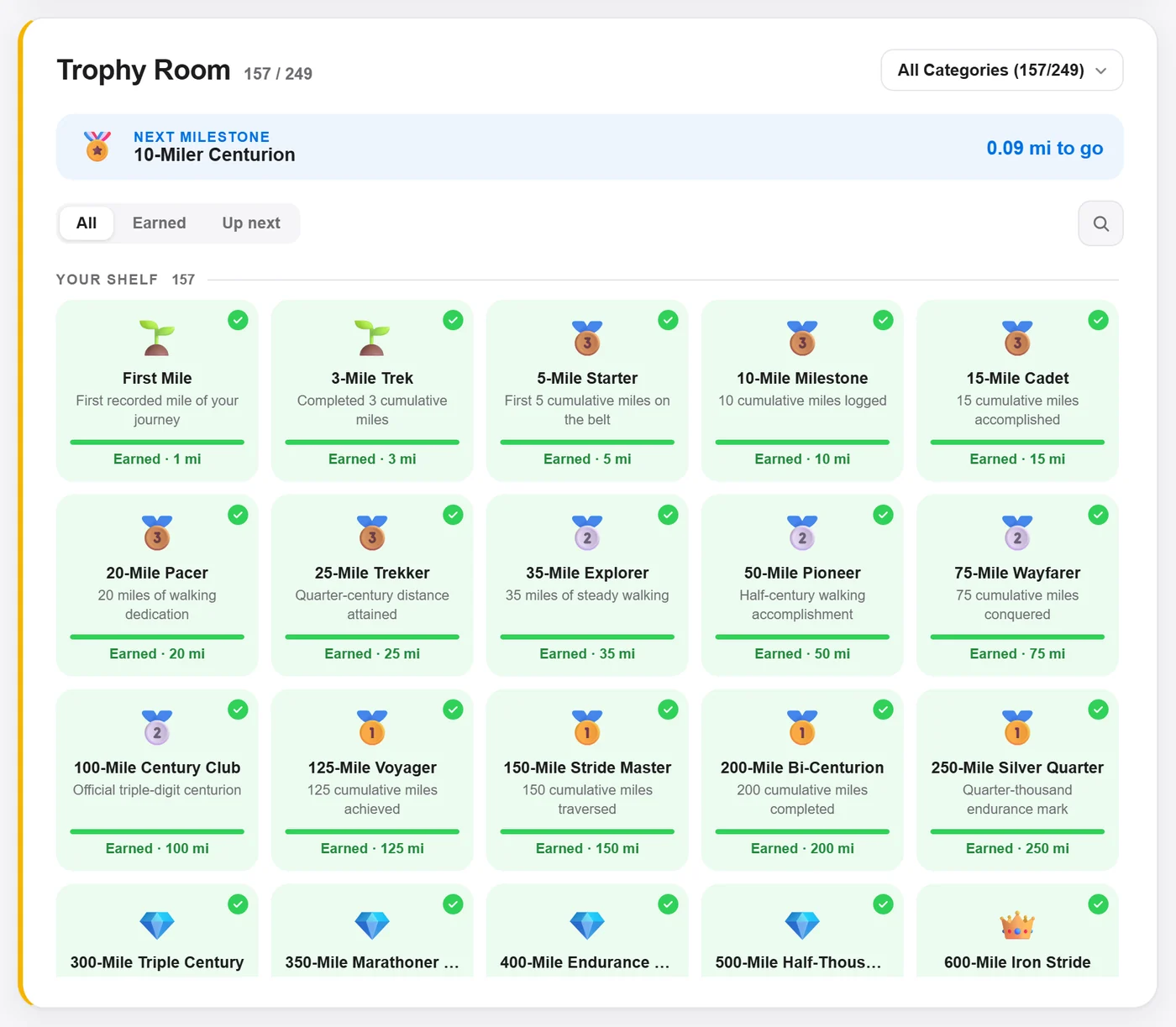
Over 240 badges for distance milestones (First Mile → Century Club and far beyond), streaks, race distances, mountain climbs and more. Each shows progress toward unlocking; Up next shows your closest badge. Unlocking one shows a celebration you can share.
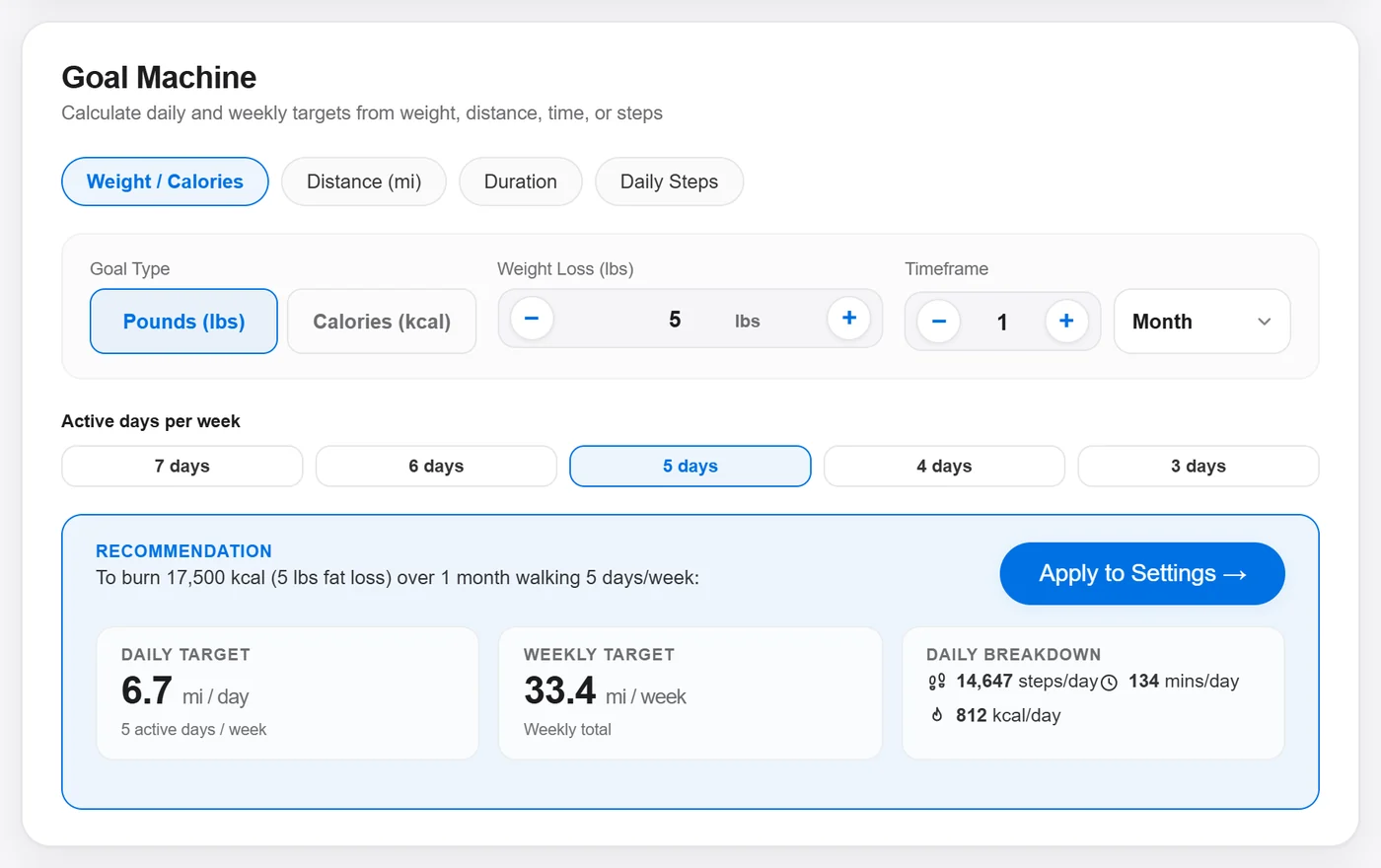
Works backward from a target. Choose weight loss, distance, time or daily steps, set a deadline and walking days per week, and it gives you the daily miles and minutes needed. You can apply the result as your daily goal.
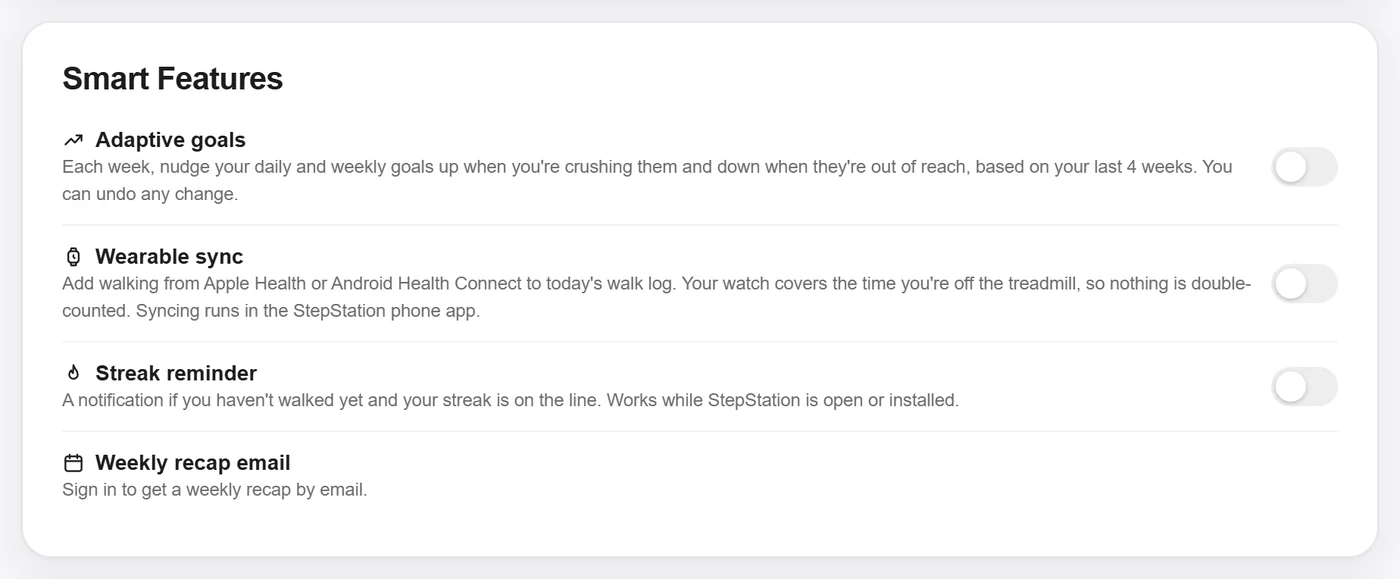
Streak reminder: one notification a day after the hour you choose (default 7 pm) if you haven't walked and your streak is on the line. Needs notification permission, and StepStation open or installed.
Weekly recap email: every Monday: your miles, streak, squad ranks and who passed you. Unsubscribe from any recap.
Annual starts with 7 days free. You're charged on day 8 unless you cancel before then. One trial per person and per card; a card that already had a trial is billed right away.
Settings → your plan → Manage Subscription opens the Stripe billing portal: cancel, update your card, or download invoices. Cancelling keeps Pro until the end of the period you paid for.
When someone joins your squad within 7 days of creating their account and later pays for Pro, you get a free month of Pro (or 30 days added to your subscription). A trial alone doesn't count, and payments from your own card don't qualify.
Live distance = pace × time walking. With Bluetooth, the treadmill's own distance is used instead. Logged and imported walks use the distance you enter.
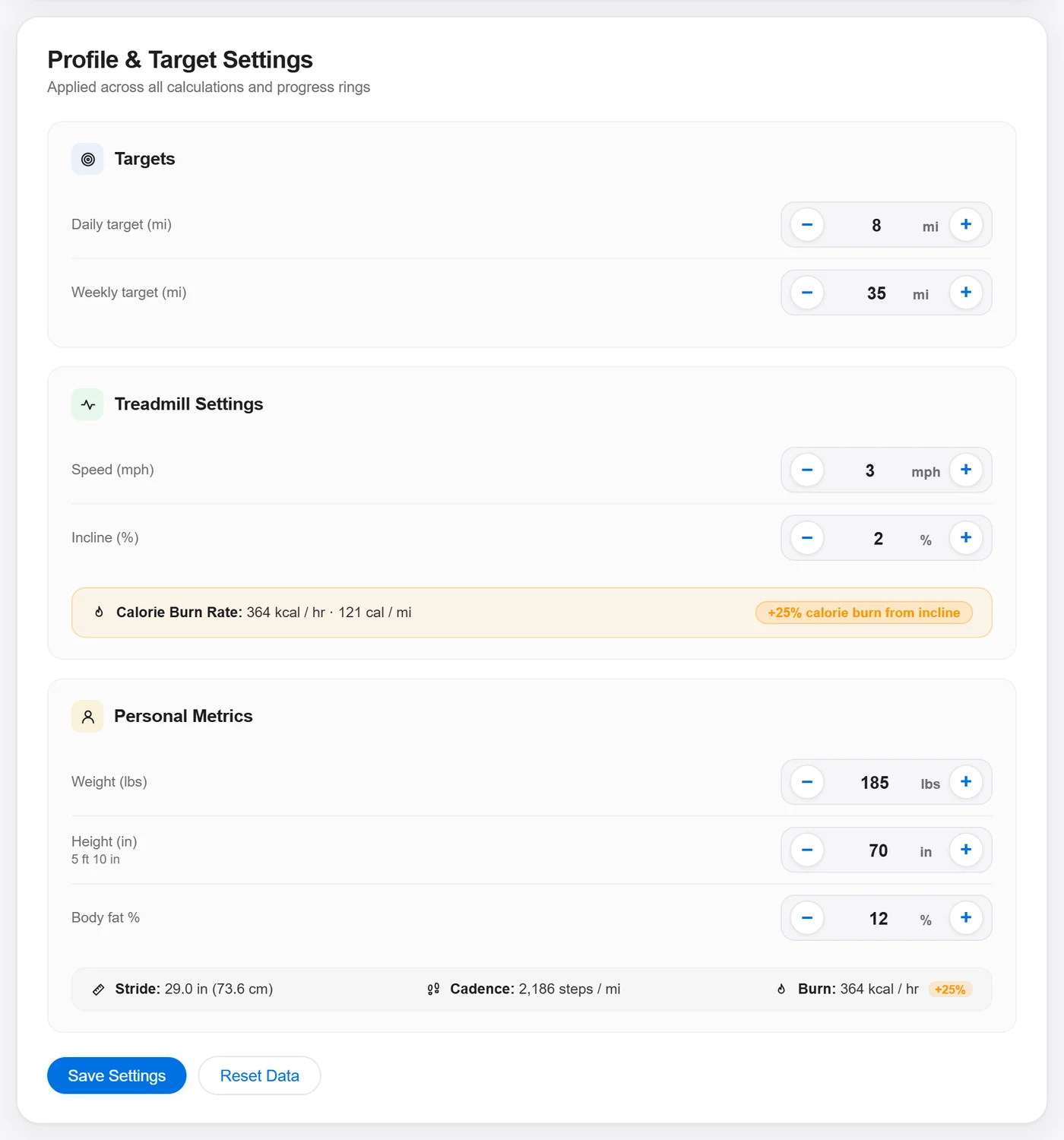
With body fat set (Katch-McArdle): your resting burn comes from lean body mass (370 + 21.6 × lean kg per day) instead of the population average, so results are more personal.
Incline adds the 1.8 × speed × grade term, so each 1% of incline noticeably raises calories per mile.
StepStation saves every change on your device first, so it works offline. When you're signed in, changes upload in the background and sync to your other devices. The chip next to the Station heading shows whether your data is saved on this device or synced.
Export from Modify History. To delete your account and all its data, email support@stepstation.app from your account's address. It's done within 30 days. Cancel any subscription first.
Make sure you're on app.stepstation.app, allow pop-ups and cookies for it, and try again. If the button is stuck on "Please wait…", close and reopen the sign-in window. Email sign-ups need you to confirm the email first.